Domain hijacking >> Imagine waking up one morning and discovering your website is gone.
Not down. Not slow. Gone.
Your domain—the digital identity of your business—has been taken over. No warning. No notification. Just a silent takeover.
This is not a rare cybercrime story. This is domain hijacking—and it can happen faster than you think.
What Is Domain Hijacking?
Domain hijacking (also known as domain theft) happens when someone gains unauthorized control over your domain name and changes its ownership or settings.
Once that happens, the attacker can:
- Redirect your traffic to another website
- Display ads or malicious content
- Demand money to return your domain
- Sell your domain to a third party
- Damage your brand reputation
In simple terms, your online business identity is no longer yours.
Why Hackers Target Domain Names
Domains are valuable digital assets. And attackers know this.
Here’s why domains are targeted:
- Monetization: Redirect traffic to ad-heavy pages for revenue
- Resale: Sell the domain back to you at a premium
- Brand leverage: Use your name to build or boost another business
- Malicious intent: Phishing, scams, or spreading malware
- Notoriety: High-profile domain takeovers attract attention
Even well-known brands and organizations have faced such attacks in the past.
The Real Cost of Losing Your Domain
The damage goes far beyond just losing a URL. You risk:
- Loss of customer trust
- Revenue disruption
- SEO rankings collapse
- Email system failure (if tied to the domain)
- Brand credibility damage
And the worst part? Recovery is slow, uncertain, and often expensive.
Can You Recover a Domain – After Domain Hijacking?
Sometimes – but don’t count on it being easy. Your first step should always be: Contact your domain registrar immediately. If they verify unauthorized access, they may help restore ownership. However, recovery can take days or weeks. Legal processes may be required. Financial losses are rarely recovered.
In extreme cases, businesses are forced to start over with a new domain.
7 Practical Ways to Protect Your Domain
Prevention is your strongest defense. Here are the most effective steps:
1. Choose a Trusted Domain Registrar
Not all registrars are equal. Pick one with:
- Strong security policies
- Good customer support
- Proven reputation
Managing all your domains in one place also improves visibility and control.
2. Keep Your Contact Information Updated
Your email is your lifeline. If your registered email expires or becomes inaccessible, attackers can exploit it to reset credentials. Use a dedicated admin email for domain management.
3. Use Strong Passwords and Limit Access
Avoid weak or reused passwords. Best practices:
- Use long, complex passwords
- Enable password managers
- Restrict access to only essential people
The fewer people with access, the lower the risk.
4. Enable Domain Lock
Most registrars offer a Domain Lock feature. This prevents:
- Unauthorized transfers
- DNS modifications
- Domain deletion
Think of it as a “freeze” on your domain unless you manually unlock it.
5. Monitor Your Domain Regularly
Don’t “set and forget” your domain. Check:
- DNS settings
- Contact details
- Expiry dates
Even a small unauthorized change can be an early warning sign.
6. Be Careful with Whois Privacy
Whois privacy hides your personal details—but it has trade-offs. In some cases:
- It may slow down ownership verification
- It can complicate recovery processes
Use it wisely based on your business needs.
7. Never Let Your Domain Expire
Expired domains are low-hanging fruit for attackers. There are automated systems that:
- Track expiring domains
- Instantly register them
- Resell them at high prices
Always: Enable auto-renewal and renew critical domains for multiple years.
Final Thought: Your Domain Is Your Digital Property
You lock your house. You secure your bank account. But many people forget to secure their domain name – the foundation of their online presence.
The reality is simple: It takes minutes to lose a domain… and months (or never) to recover it.
Take action now. Strengthen your domain security. Because in the digital world, your domain is your brand.
Need Help Securing Your Domain?
If you’re unsure whether your domain is properly secured or want a professional audit, it’s worth taking that step today – before it becomes a crisis tomorrow. Connect with me for help.
Read some interesting articles I recently wrote:
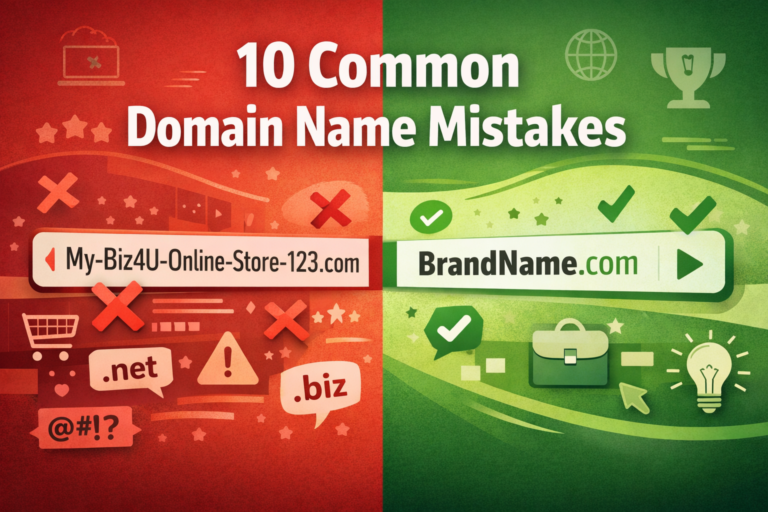
- 10 Common Domain Name Selection Mistakes
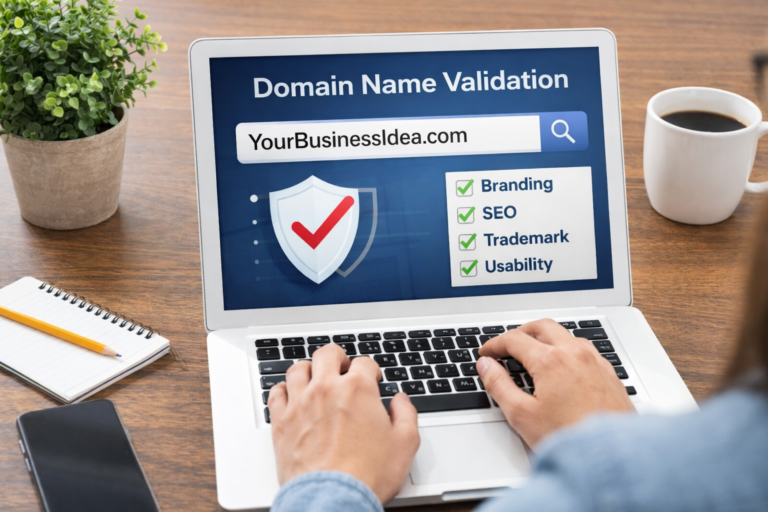
- How to Validate Your Domain Name for Your Business Idea
- How to Find the Perfect Domain Name for Your Venture in 2026